Inventory the registers before entering data
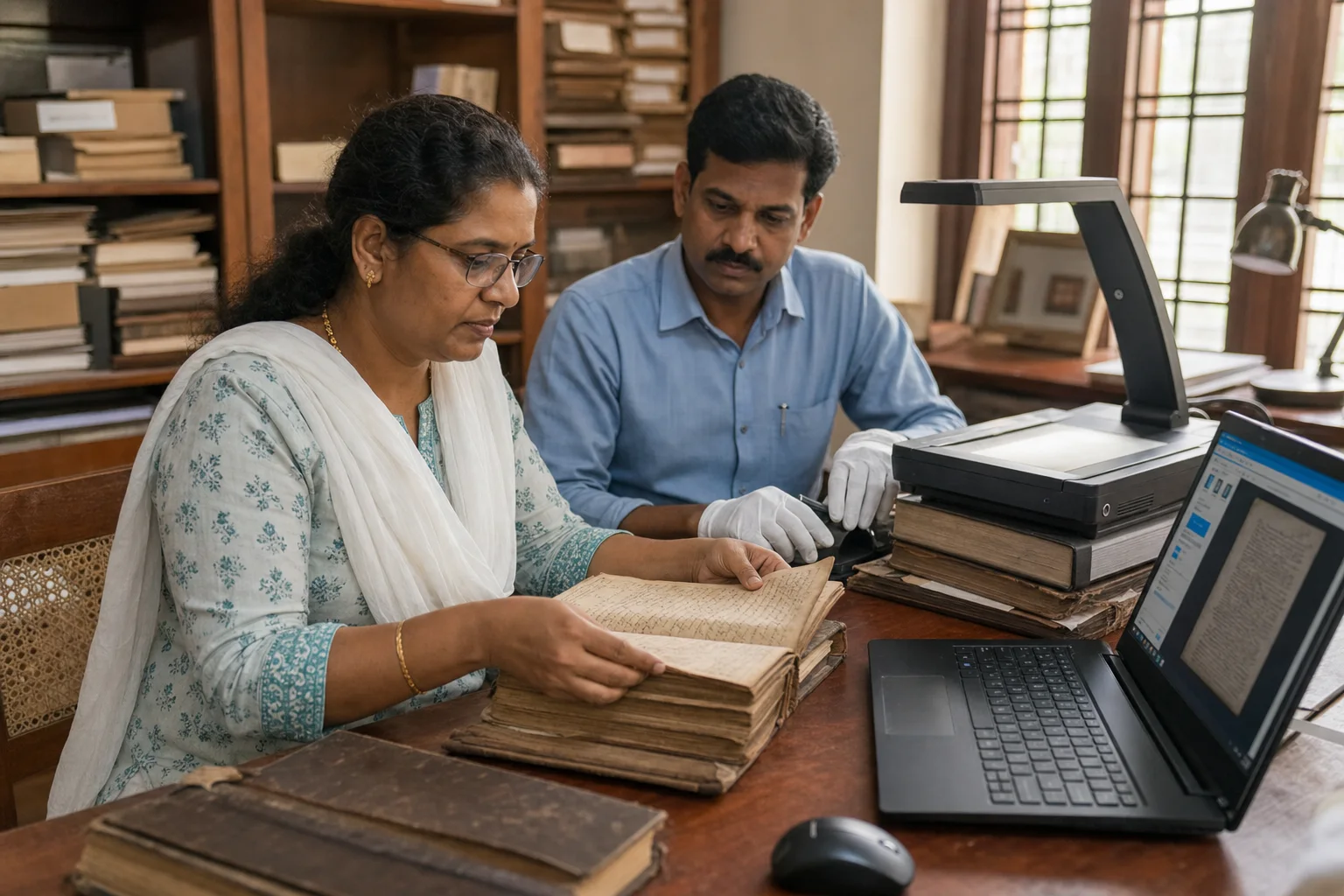
List each register, date range, parish or station, physical condition, language, numbering pattern, duplicate copy, and current custodian. Note which records are frequently requested and which have restrictions or sensitive pastoral context. This inventory creates a reviewable scope instead of an open-ended data-entry exercise.
Treat every register as source evidence
Historical registers contain meaning beyond individual fields. Preserve a source reference—such as register, volume, year, page, and entry number—beside the structured record. Where digitised images are appropriate, keep them protected and linked so authorised future administrators can understand how a transcription was produced.
Design people, families, events, and places separately
A useful parish system represents individuals, households, relationships, sacraments or life events, addresses, groups, and changes over time. Avoid copying a paper page into one oversized form. Structured relationships improve search and reporting while the source reference preserves historical context.
Define transcription rules before migration
Agree how names, initials, dates, places, languages, missing values, annotations, and later corrections will be entered. Do not silently modernise or “clean” uncertain historical information. Use visible states such as transcribed, reviewed, verified, incomplete, and disputed so confidence is not confused with convenience.
Pilot a difficult sample and review it twice
Choose records from different periods and include handwriting, family changes, duplicate names, incomplete entries, and marginal notes. Have authorised parish reviewers check both accuracy and search usefulness before scaling. Record recurring questions in the migration guide so later batches remain consistent.
Plan access, backups, corrections, and daily ownership
Define who may view sensitive records, enter new information, approve changes, export data, and respond to correction requests. Establish protected backups and a tested recovery process. The migration becomes valuable when new members, family changes, documents, activities, and reports continue in the same governed system.
Ask for a migration demonstration using your structure
Bring a small anonymised sample, the register inventory, common search questions, and the roles used by the parish office. ParishView can then be demonstrated around family relationships, record references, permissions, migration stages, search, and reporting before a complete scope is prepared.